


Features
Premium Custom DTF Transfers by Falcon Transfers | Vibrant & Durable
Looking for high-quality custom DTF transfers to bring your designs to life? Falcon Transfers delivers premium Direct-to-Film (DTF) transfers featuring sharp details, bold full-color saturation, and unmatched durability. Whether you are printing for a small clothing brand, an Etsy shop, or personal DIY projects, Falcon Transfers ensures flawless results on all fabric types.
Why Choose Falcon Transfers for Your Apparel Business?
🌟 Ultra-High Print Quality & Sharp Details
Enjoy vivid, full-color printing with exceptional clarity. At Falcon Transfers, our advanced DTF printing technology ensures high color saturation and sharp details, making it perfect for custom shirts, tote bags, hoodies, and personalized apparel.
🧺 Long-Lasting, Washable & Crack-Free
Our commercial-grade DTF transfers are built to last. When applied correctly, Falcon Transfers' prints are highly flexible, moving and stretching with your fabric. They are extremely resistant to cracking, peeling, and fading—even after dozens of machine washes.
👕 Smooth, Professional Soft-Hand Finish
Say goodbye to the heavy, plasticky vinyl feel. Our transfers offer a lightweight, professional soft finish available in a sleek matte or semi-gloss appearance (depending on your artwork), giving your custom garments a high-end, premium look.
🎨 Versatile Performance on Light & Dark Fabrics
No material or color limitations! Our transfers apply cleanly and opacity-rich to both light and dark garments, including:
- 100% Cotton & Organic Cotton
- Polyester & Poly-Blends
- Nylon, Canvas, Denim, and more
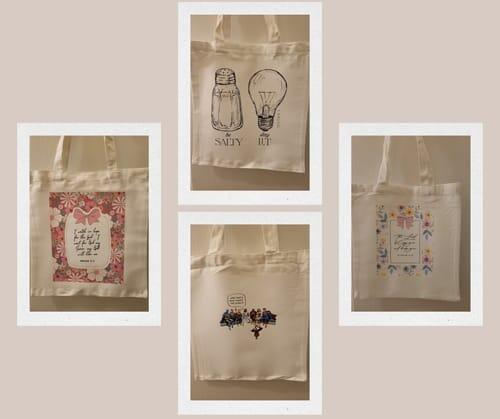
- Perfect for shirts, hoodies, totes, aprons, and custom bags.
📦 No Minimum Order Quantity (No MOQ)
Whether you need just a single custom DTF print for a sample or want to buy bulk DTF transfers for a large order, we’ve got you covered. It is the perfect printing solution for Etsy sellers, boutique brands, and print-on-demand shops.
Technical Specifications & Fast Heat Press Application
Get professional, factory-grade results in seconds using a standard heat press machine. Follow these simple steps for the perfect press with Falcon Transfers:
- Temperature: 282°F (139°C)
- Time: 9 seconds
- Pressure: Medium Pressure
- Peel Type: Hot Peel (peel immediately in one smooth motion with zero mess and no waiting time)
🌿 Eco-Friendly Ink & Adhesive Powder: We care about safety and sustainability. At Falcon Transfers, we use non-toxic, eco-friendly inks and premium adhesive powders that are 100% safe for both commercial production and home use.
Ready to Print Your Custom Designs?
Easily upload your logo, brand artwork, or personal graphics today. Upgrade your apparel business with the best DTF transfers online from Falcon Transfers!
Pressing Instructions
How to Apply Falcon DTF Transfers (Heat Press Required)
Achieve professional, retail-ready results on your apparel every single time. Follow these simple, step-by-step instructions to apply your custom Falcon Transfers using a standard heat press machine:
Step 1: Position Your Design
Place your pre-pressed garment flat on the heat press platen. Position the DTF transfer film on the fabric exactly where you want it, ensuring the design is facing up (clear film side up).
Step 2: Press with Precision
Lower your heat press and cure the transfer using the following optimal settings for Falcon Transfers:
- Temperature: 282°F (139°C)
- Time: 9 seconds
- Pressure: Medium Pressure
Step 3: Hot Peel with Confidence
As soon as the timer ends, lift the press and peel the film immediately while it is still hot. Do it in one smooth, steady motion. There is zero mess and absolutely no waiting time required!
Step 4: Optional Post-Press for Maximum Durability
For an extra layer of washability and a beautiful, professional matte finish, place a piece of parchment paper or a Teflon sheet over the printed design and post-press for an additional 5 seconds.
You're All Done! Your custom apparel is now ready. The printed design is vibrant, incredibly smooth to the touch, and 100% wash-safe.
Customer Satisfaction
The Falcon Transfers Guarantee: Our Commitment to Your Success
At Falcon Transfers, we don’t just print custom transfers; we partner with creators, Etsy sellers, and clothing brands to help your business grow. Here is our absolute promise to you:
🌟 Commitment to Excellence
Your happiness and success are our top priorities. We strive to exceed your expectations with every single purchase, ensuring your custom DTF transfers and UV DTF stickers arrive with flawless retail-ready quality.
💬 Feedback-Driven Improvement
Your feedback is invaluable to us. It guides our continuous improvement and helps us refine our production. We constantly update our DTF printing technology and services based on your reviews to ensure you are always 100% satisfied.
🤝 A Fully Supportive Experience
Enjoy a seamless and stress-free shopping experience from file upload to delivery. Our dedicated customer service team is always here to assist you at every step—whether you need help with gang sheets or application settings.
🛡️ Premium Quality Assurance
We stand firmly by the quality of our commercial-grade products. With our strict Quality Assurance, we offer premium guarantees and ongoing support to ensure your prints remain vibrant, durable, and crack-free.
Upload Recommendations
What file formats are best for custom laser-cut or print designs?
While we accept all file formats, we prefer vector files to deliver the crispest, highest-quality prints. If your artwork uses raster images, make sure it is saved at a minimum resolution of 300 DPI so your final product remains sharp and clear.
How should I export my designs from Canva or Procreate?
If you are designing in Canva or Procreate, we recommend exporting your final files as a PNG with a transparent background. Printing a transparent PNG prevents unwanted white blocks or backgrounds from appearing on your custom merchandise or jewelry pieces, ensuring a flawless and professional finish.
Blanks to Go Along with Your Transfers
All Apparels


1 / 8

1 / 1


1 / 8


1 / 8


1 / 5


1 / 3


1 / 6

1 / 5


1 / 5
1 / 5


FAQ
We know every project is unique, and you might have some questions before getting started.
J
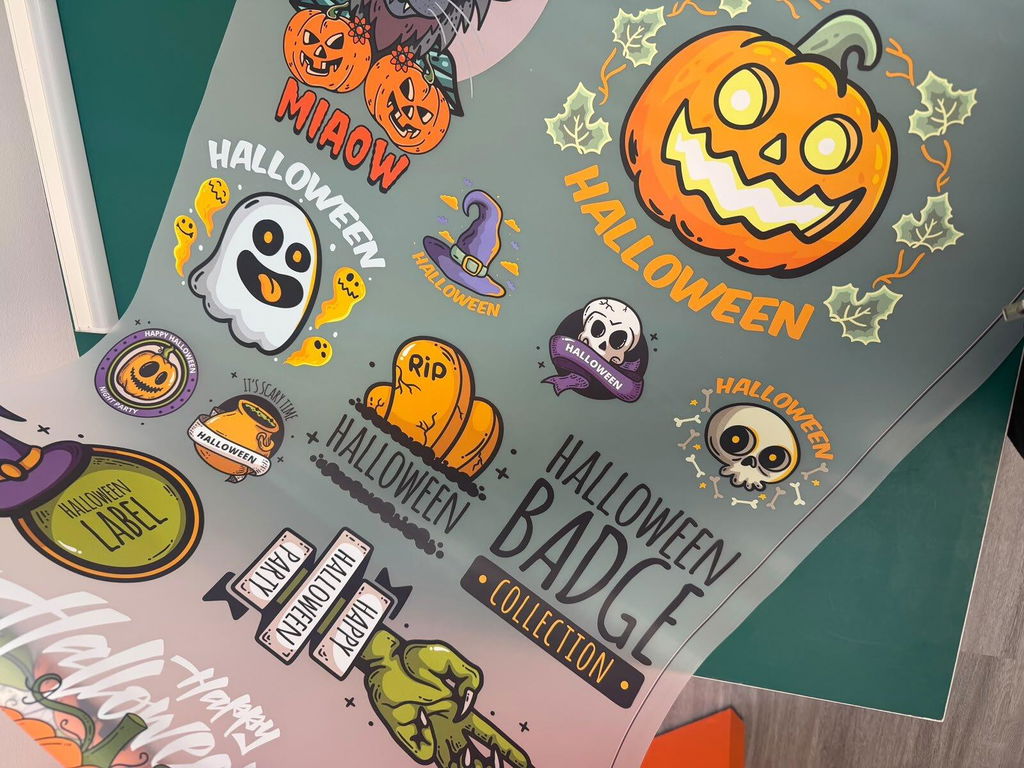
The Halloween designs on this DTF gang sheet look fantastic. The colours are vibrant, the small details are sharp, and the layout makes great use of the sheet. Perfect for creating a variety of seasonal shirts and tote bags
E
The DTF transfers look sharp, and the colours came out great on our shirts. The ordering process was straightforward, and the transfers were easy to press. I’d consider Falcon Transfers again for a future project
M
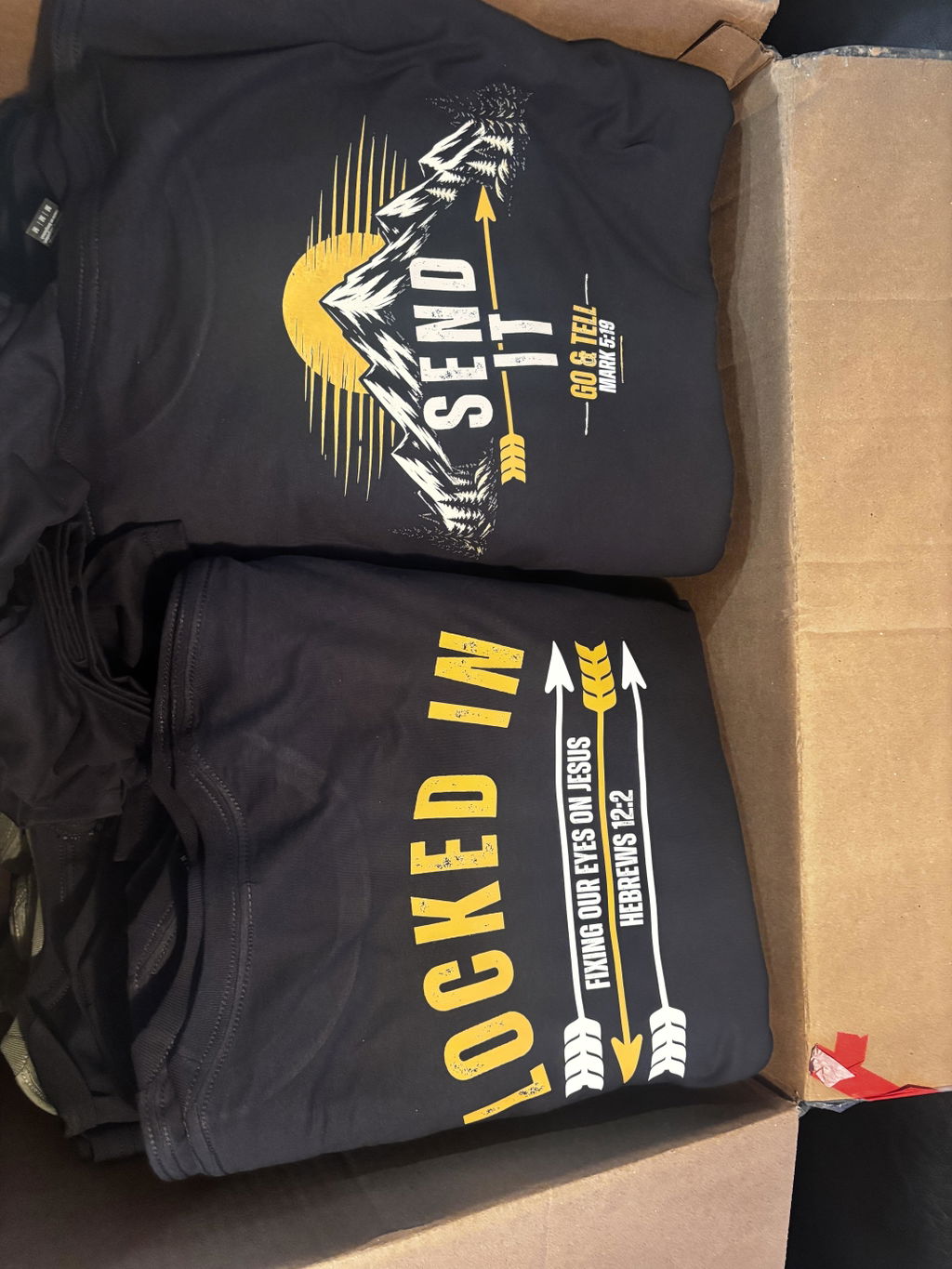
this product is top notch, easy peeling, no weeding, durable and crazy fast free shipping!
S
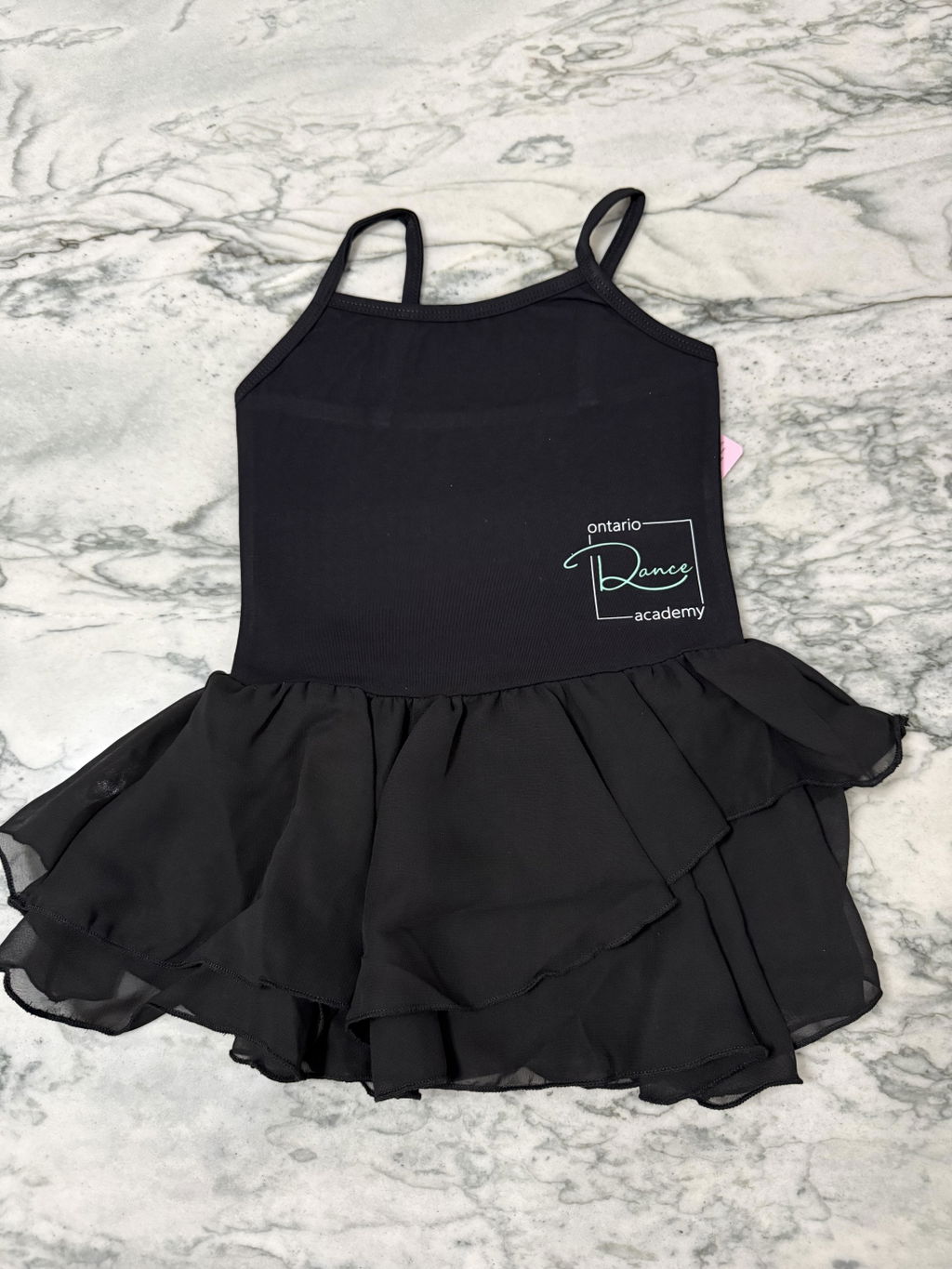
Excellent transfers, so easy to use and fast shipping!
E
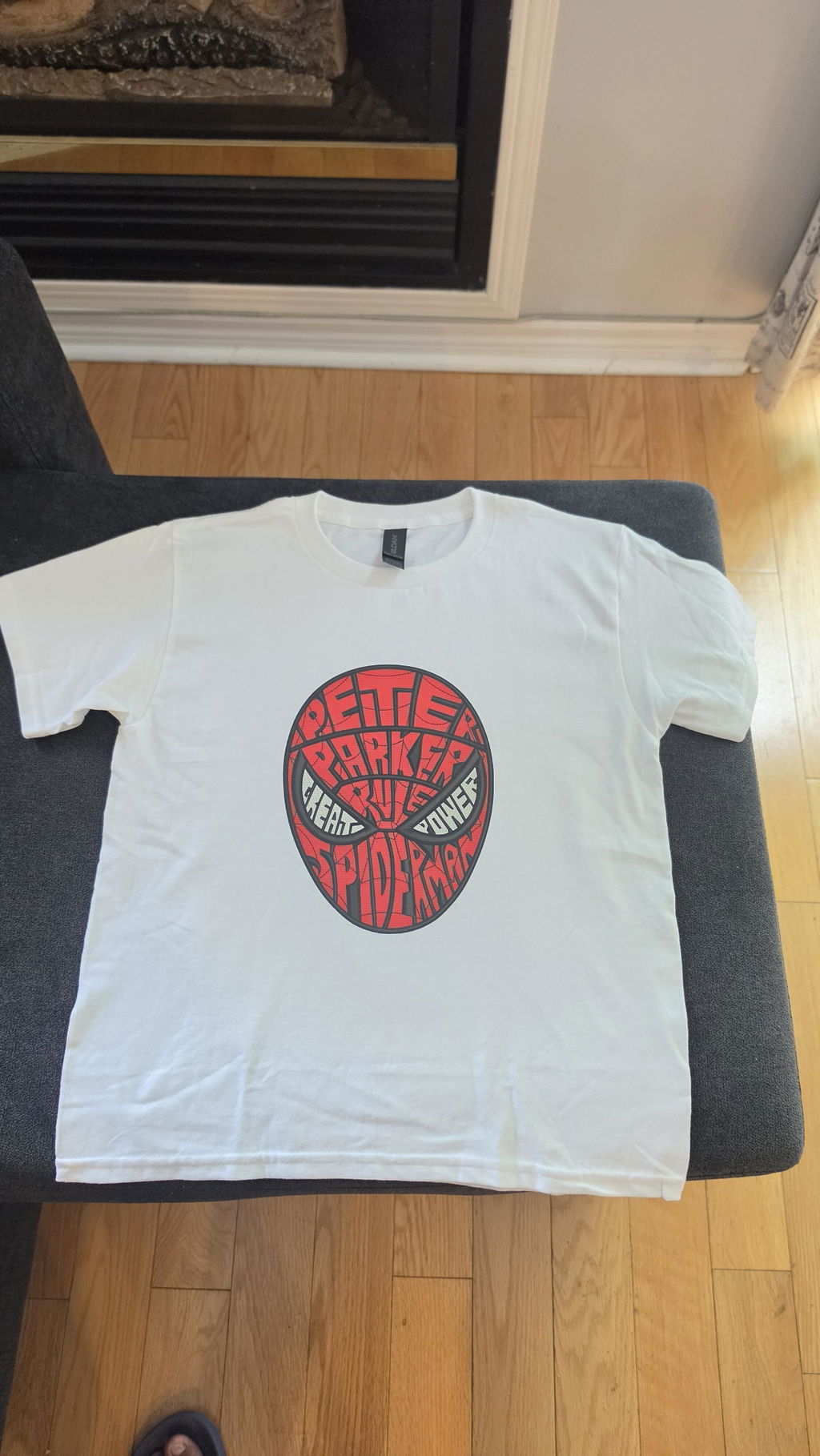
Excellent quality, very durable and bright colors
A
when the white is well register at 0 pixels there's no line on the edge it really nice
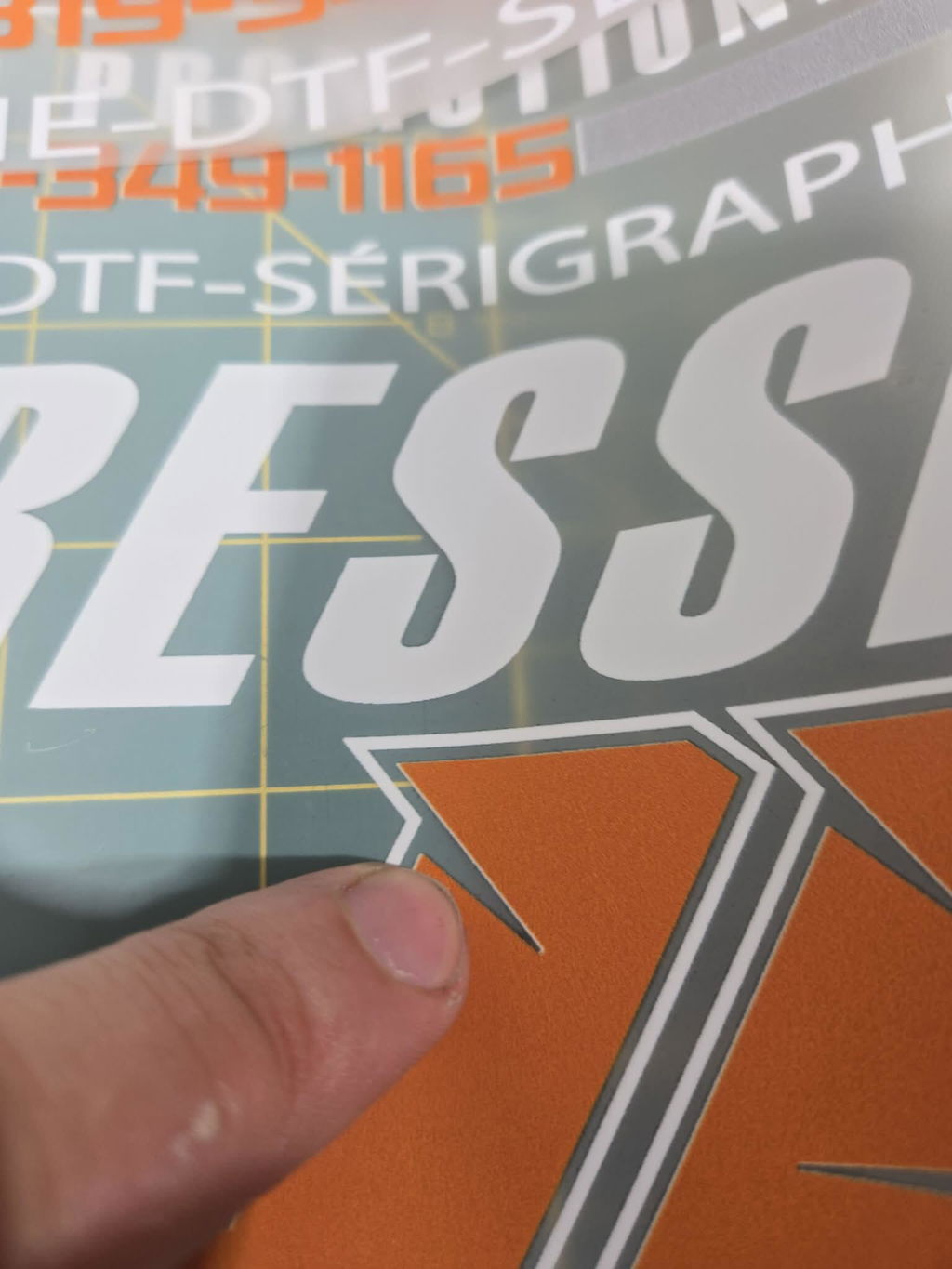
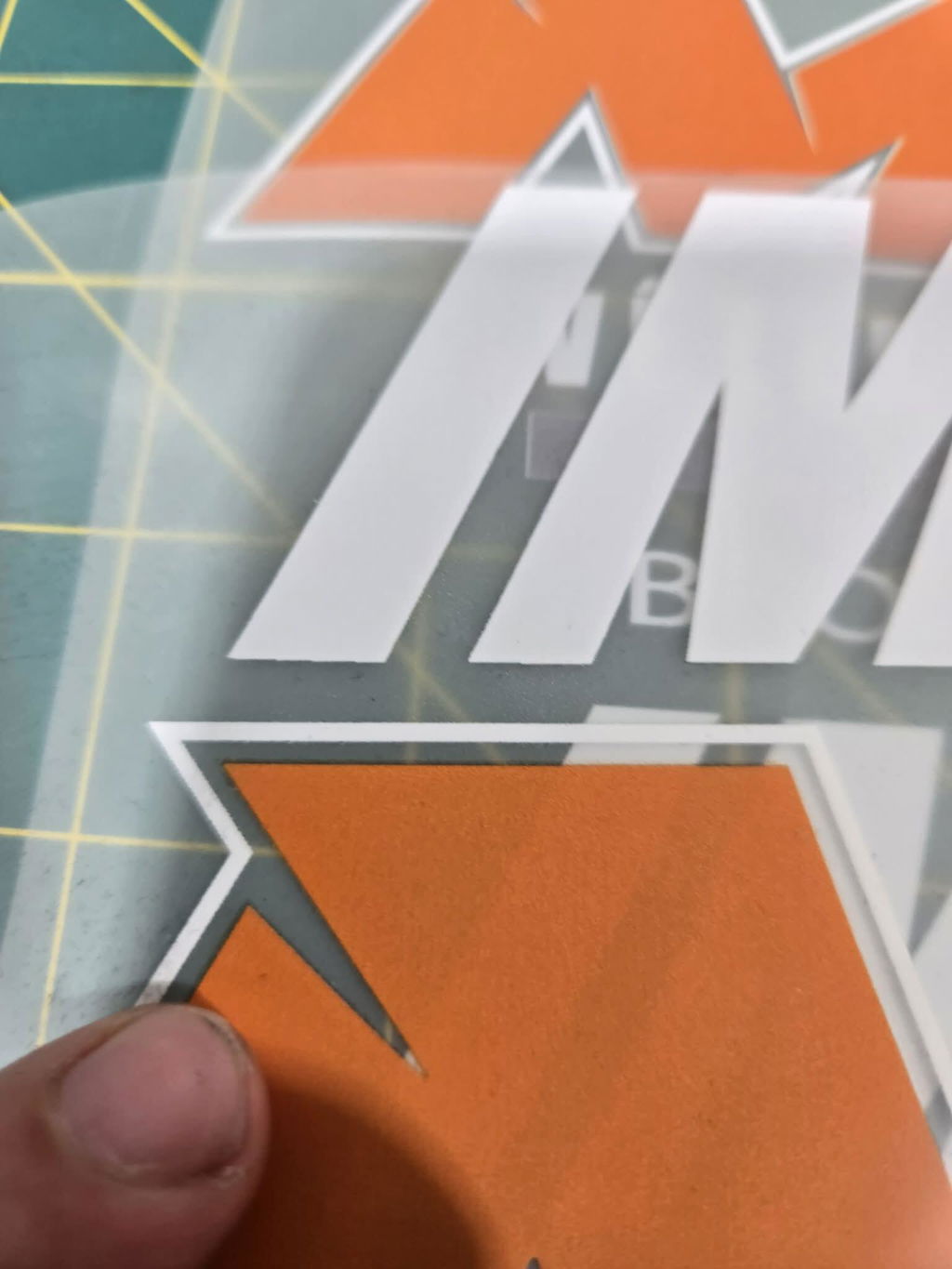
V
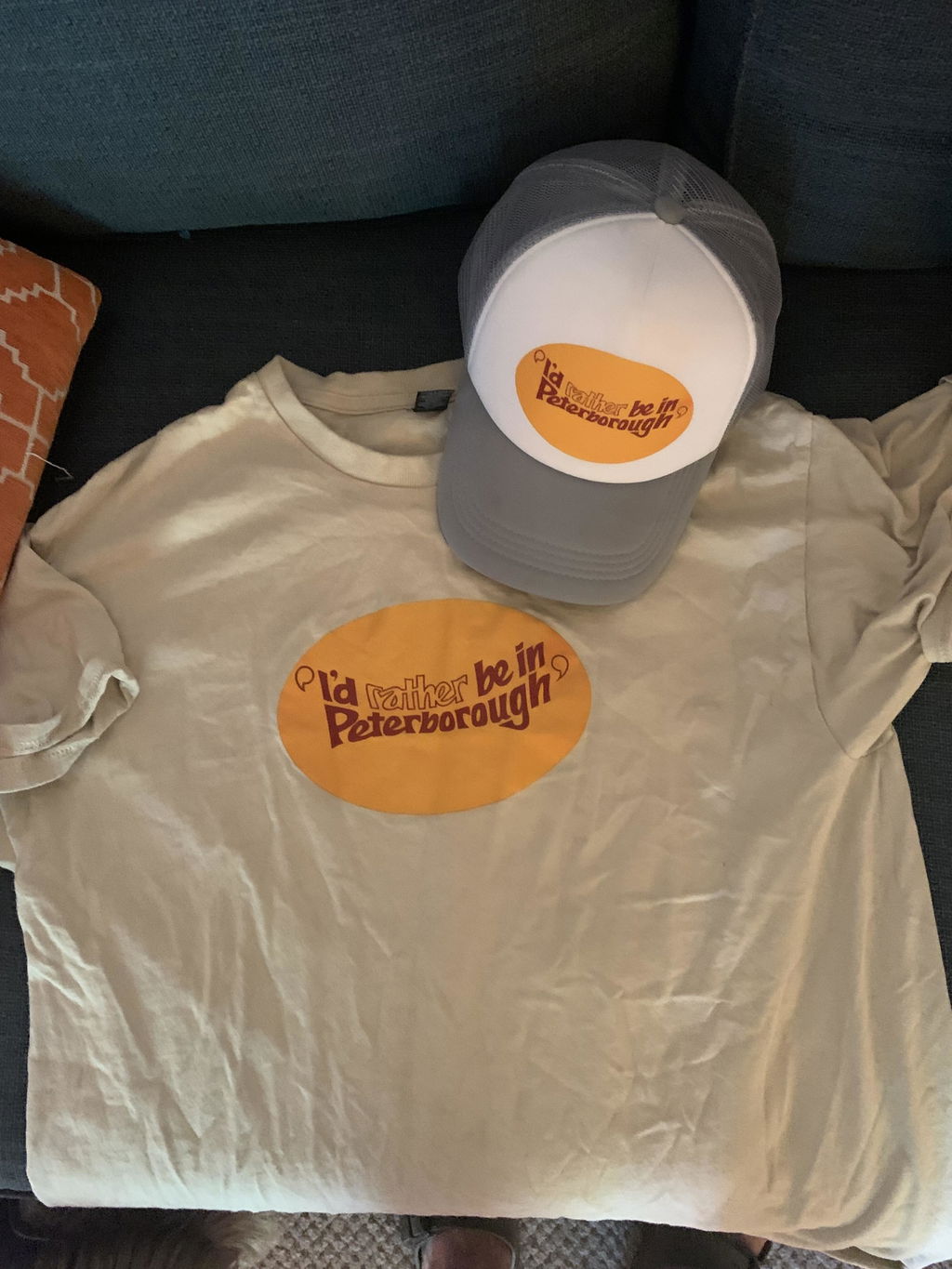
Can’t say enough about how great Falcon Transfers have been with me. Starting up a small business is difficult, but when your main provider steps up time and time again to help out, it makes it so much easier. Thank you, Falcon Transfers, for fast and friendly service and an outstanding product.
L
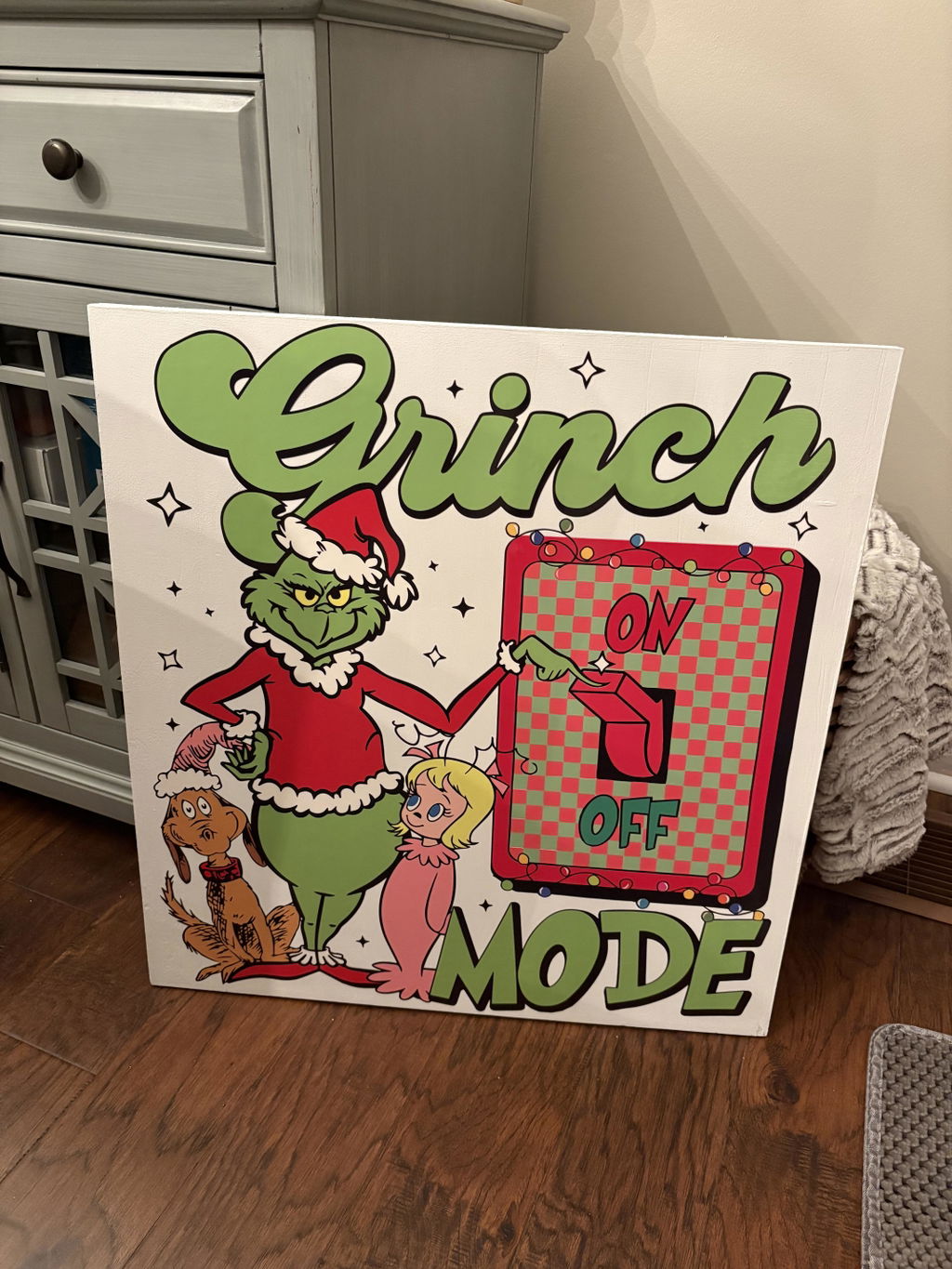
Great quality! Vibrant colours and easy to use design tools. I love the 24/7 pick up time too!! Maybe a new pickup location in Durham region? 😁 🥰
K
Quick, great quality and easy to use!
C
We love the Sheet Builder 2 as we simply put our images in and the amount we want and it auto lines them to reduce as much waste as possible... You really get your moneys worth by reducing the wasted space this way
S
Always arrives quickly and is high quality. Highly recommend!
T
They are absolutely amazing and getting better all the time.
L
Awesome quality!!!
T
Easy and quick shipping. Photos always great. We use an iron and all shirts look brand new even after many wear and washing.
v
Always amazing colors and ships fast
v
Falcon is amazing!! I truly love them
J
awesome, great tools and end product I keep coming back
A
great work guys ... solid product and great turn around on the order
D
I have been ordering for so long and never disappointed and I love the 24hrs /7 pick up its amazing
A
As usual your transfer sheets are really the top 👌 easy to install and great quality 👌
Keep up the awsome work
S
Amazing Quality as always!!!
A
Great job! Loved the transfers!
M
Service rapide et bon produits
T
The DTF Sheet Builder - Option 2 is great! I find it very easy to use and very seldomly have any issues. Thank you for making it so easy to use!
R
Love the product
W
Our experience with Falcon Printing's service and products is of excellent quality. We are very satisfied and recommend them 100%. We will continue using Falcon's services for a long time.
A
Excellent service
A
🤝
M
So easy and always prompt!!
V
Always my best option. It allows me move designs around, resize and adjust with ez.
T
Absolutely love the quality. Consistent and fast every time.